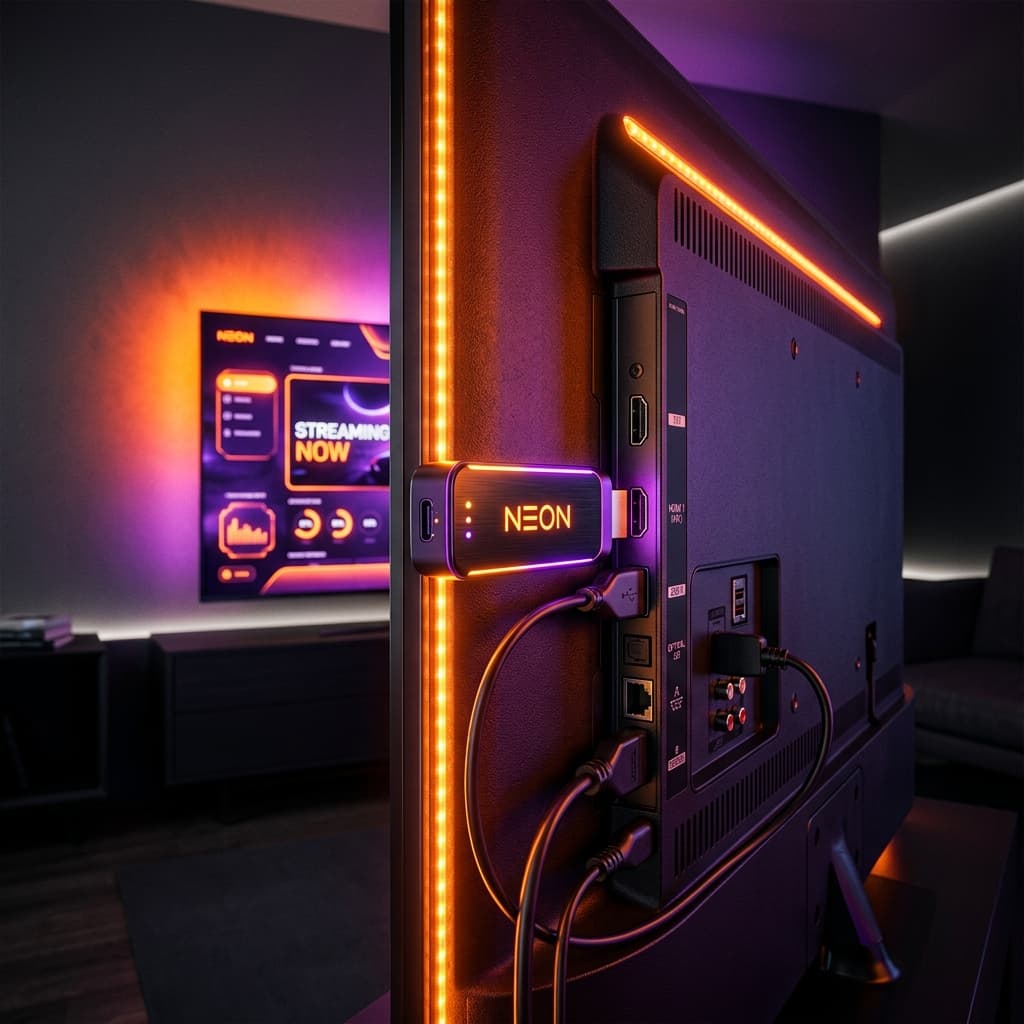
The Amazon Fire TV Stick is widely considered the top streaming device in Ireland, but configuring your device for the first time can feel intimidating if you have never set up an external media player before. Fortunately, learning how to install IPTV on Firestick in Ireland is a straightforward process that takes less than ten minutes from start to finish.
In this beginner-friendly tutorial, we walk you step-by-step through configuring your Firestick settings, installing a legitimate player app using the official Downloader utility, and linking your playlist credentials for buffer-free viewing.
Prerequisites: What You Need Before Starting
Before starting the installation, make sure you have:
- An Amazon Fire TV Stick (Standard, 4K, or 4K Max model) connected to your television and home broadband. Review our hardware breakdown on IPTV for Firestick in Ireland.
- Your Fire TV remote control.
- Active playlist details or an IPTV Ireland free trial containing Xtream Codes credentials (Server URL, Username, and Password) or an M3U link from your chosen IPTV provider.
Step 1: Install the Official Downloader Utility
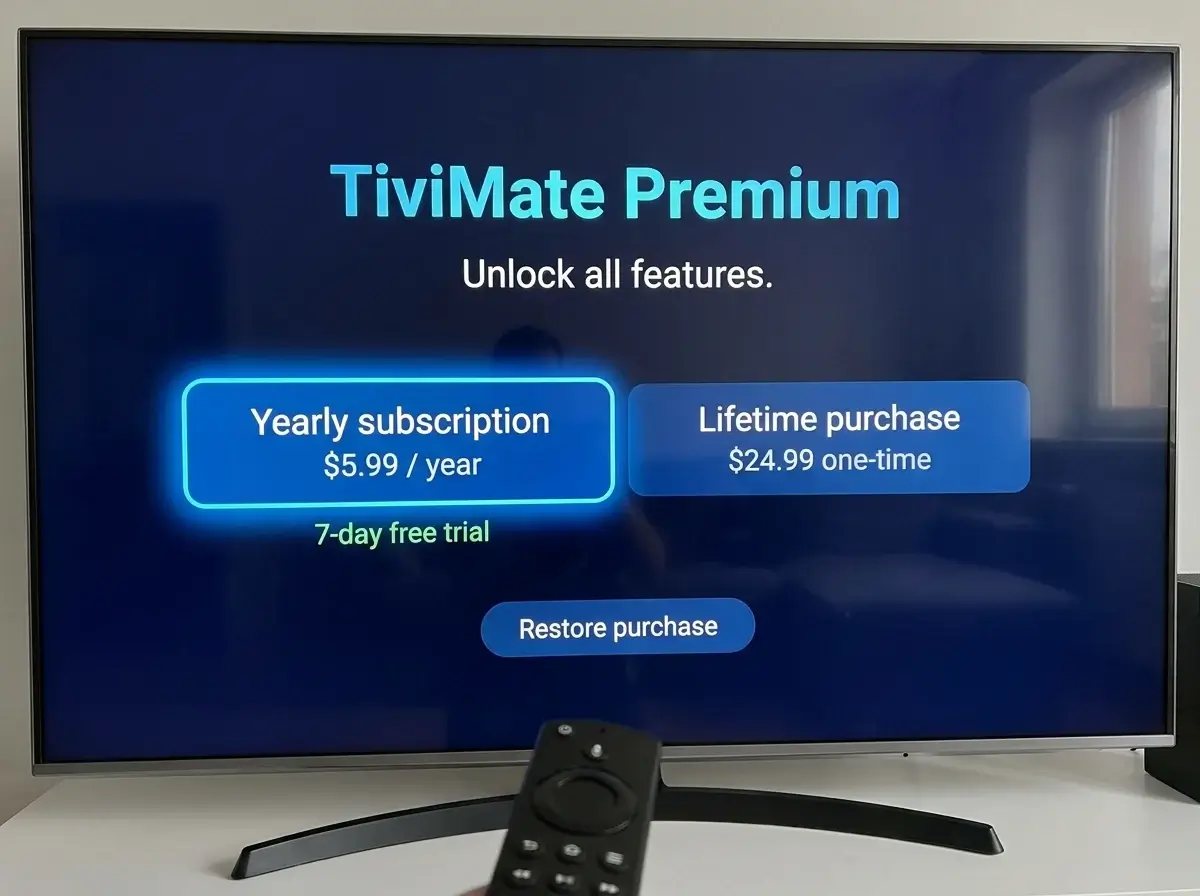
Because specialized television players like TiviMate or custom player builds are not always hosted in the standard consumer app store, you need the official "Downloader" tool developed by AFTVnews to fetch the installation packages.
- From your Firestick home screen, navigate to Find and select Search.
- Type Downloader using the on-screen keyboard.
- Select the orange Downloader icon from the search results.
- Click Download or Get to install the application.
Step 2: Enable Developer Options & Install Unknown Apps
To allow the Downloader app to install your chosen player, you must grant permission within your Fire TV settings:
- Navigate to the gear icon (Settings) on your Firestick home screen.
- Select My Fire TV.
- Choose Developer Options. (Note: If Developer Options is hidden on newer Fire OS versions, click "About" and press the Center button on "Fire TV Stick" 7 times until a message displays "No need, you are already a developer".)
- Click Install Unknown Apps (or "Apps from Unknown Sources").
- Find Downloader in the list and toggle it to ON.
Step 3: Download Your Preferred IPTV Player (TiviMate or Smarters)
Now that Downloader has permission, you can install your player. Check our guide on the best IPTV apps in Ireland to help choose between TiviMate and IPTV Smarters Pro.
- Launch the Downloader app and grant it permission to access media files when prompted.
- In the URL input box, enter the official download code or direct website URL for your chosen player (for example, entering tivimate.com or using the official quick-download code provided by your service).
- Click Go. The APK file will begin downloading immediately.
- Once finished, a prompt will appear automatically. Click Install.
- After installation completes, click Done, then select Delete on the subsequent popup to remove the temporary installation file and preserve your Firestick flash storage.
Encountering any issues while installing your app via Downloader? You can contact us on WhatsApp at +44 7853 146902 for live troubleshooting support.
Step 4: Enter Your Subscription Credentials
Now launch your newly installed player from your "Apps & Channels" menu:
- Open the app and select Add Playlist.
- Choose Xtream Codes API (highly recommended over M3U due to faster loading and cleaner EPG sync).
- Enter the three credentials supplied by your provider:
- Server URL: (e.g., http://line.provider-domain.com:80)
- Username: Your personal account identifier
- Password: Your secure account access code
- Click Next or Login. The app will connect to your provider's server, parse channel categories, and download your full television schedule.
Step 5: Optimize for Buffer-Free Viewing in Ireland
To ensure smooth streaming during high-stakes IPTV sports matches in Ireland, complete these quick tweaks inside your player settings:
- Set Video Decoder to Hardware: Go to Settings > Playback and ensure "Hardware" or "Hardware+" is selected rather than Software.
- Set Buffer Size to Medium: Adding a small 2-to-3 second buffer helps bridge momentary Wi-Fi fluctuations without introducing noticeable broadcast delay.
- Organize Irish Favorites: Place your primary Irish IPTV channels (RTÉ One, RTÉ2, Virgin Media One, TG4) into your Favorites group for instant access from your remote control.
Frequently Asked Questions
Is using the Downloader app safe and legal?
Yes. Downloader is an official, legitimate browser and file-management tool published directly on the Amazon Appstore. It simply facilitates downloading software packages to your device.
Can I move my IPTV setup to a different TV in the house?
Yes. Because the Firestick connects via HDMI, you can unplug the stick from your living room TV and plug it into a bedroom television or take it with you on holiday, keeping all your channels and settings intact.
What broadband speed do I need on my Firestick?
A download speed of 25 Mbps to 35 Mbps is ideal for Full HD and 4K streaming. Explore our complete guide on IPTV 4K in Ireland for optimal network configuration.
Conclusion
Installing IPTV on an Amazon Fire TV Stick in Ireland is a quick, straightforward process that puts you in full control of your home entertainment. By installing a high-performance player like TiviMate, entering verified subscription credentials, and fine-tuning your buffer settings, you can enjoy a television experience that rivals and exceeds traditional cable decoders.
Need your login credentials or want help activating your playlist on Firestick? Message our support team on WhatsApp at +44 7853 146902.