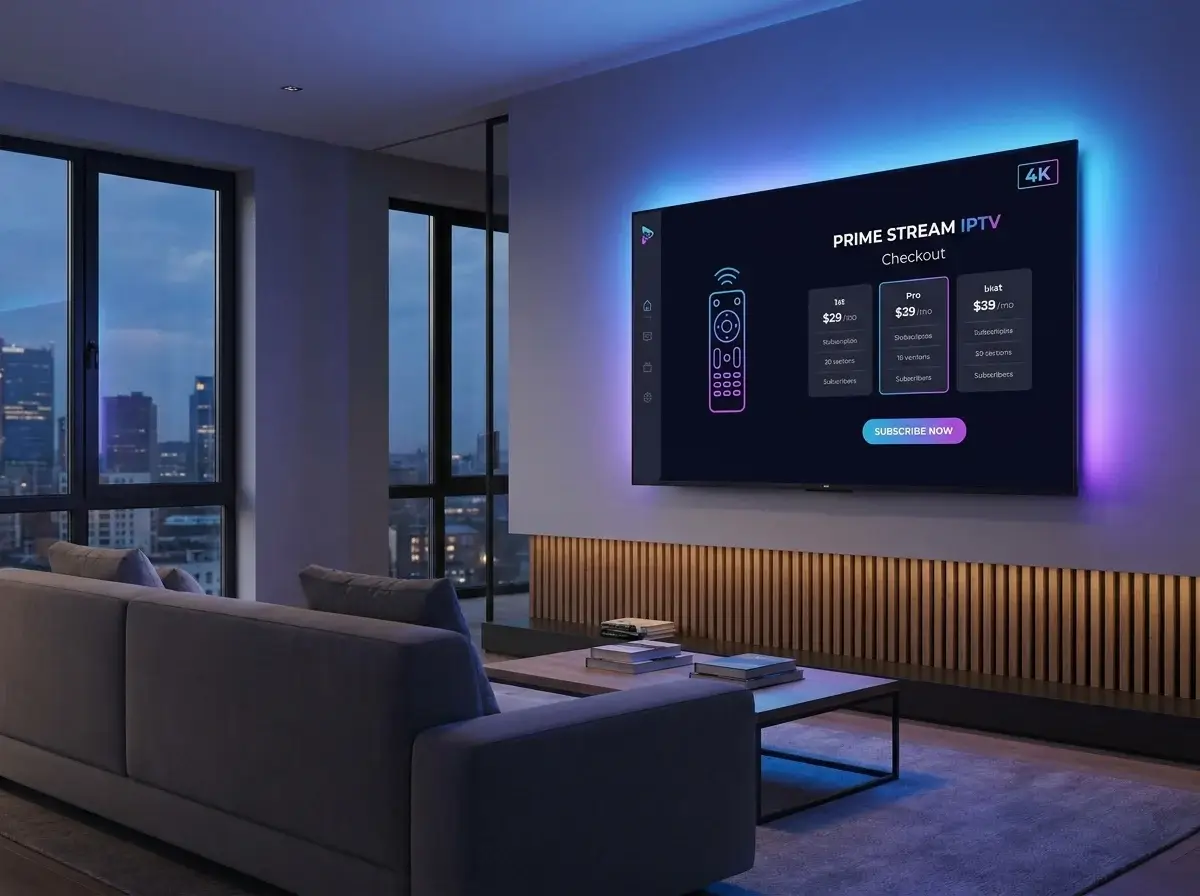
Stepping into the world of internet streaming is exciting, but the buying process can be intimidating for beginners. With so many providers online, how do you choose a reliable IPTV subscription without getting scammed? This comprehensive guide will walk you through exactly what to look for, how to pay securely, and the red flags you must avoid.
Introduction to IPTV Subscriptions
As millions of users migrate from traditional cable to IPTV, the market has exploded with providers. A high-quality IPTV USA package offers incredible financial savings, comprehensive sports coverage, and massive on-demand libraries. However, knowing how to properly purchase an best IPTV subscription is the critical first step to a buffer-free entertainment experience.
What is an IPTV Subscription?
Before spending money, it is vital to know what IPTV is. An IPTV subscription is essentially a rental agreement. You pay a monthly or yearly fee to gain access to a provider's digital media servers.
When you buy a subscription, you are not buying an app or hardware. You are purchasing login credentials (usually an API link) that you input into a media player. This is how IPTV works: your app connects to the provider's server and streams the video directly to your television.
Types of Subscription Plans
The best IPTV services USA will offer multiple billing tiers to accommodate different budgets.
Month-to-Month
A 1-month plan is the absolute best way to start. It allows you to stress-test the provider's servers during major sporting events without a long-term financial commitment. It is highly recommended to never buy a yearly plan from a provider you have not tested for at least 30 days.
Multi-Month & Annual Plans
Once you trust a provider's server stability and customer support, upgrading to a 6-month or 12-month subscription offers significant discounts. While a 1-month plan may cost $15, an annual plan might average out to just $8 to $10 a month.
Multi-Device Connections
By default, most subscriptions allow only one simultaneous connection. If you want to watch the game in the living room while your spouse watches a movie in the bedroom, you must purchase a subscription plan with 2 or 3 simultaneous connections. Connecting more devices than you paid for will instantly result in an IPTV buffering error or an account ban.
Red Flags to Avoid Before Buying
When hunting for a subscription, keep an eye out for these warning signs:
- "Lifetime" Subscriptions: No legitimate streaming provider offers a lifetime pass for a single $50 fee. Server bandwidth costs money. These are always scams.
- No Free Trial or Test Pass: If a provider refuses to let you test the service for 24 hours (or buy a cheap 48-hour pass), they know their servers are poor.
- Crypto-Only Payments: While some users prefer Bitcoin for privacy, if a provider forces you to use cryptocurrency and refuses credit cards, it is a massive red flag.
| Feature | Premium Providers | Scam/Low-Quality Providers |
|---|---|---|
| Payment Methods | Credit Cards, PayPal, Crypto | Crypto only (non-refundable) |
| Trial Period | Yes (Free or low-cost 24h pass) | Refuses to offer trials |
| Customer Support | Live Chat, WhatsApp 24/7 | Slow email or no contact info |
How to Securely Purchase a Subscription
Because the legality of some third-party networks operates in a gray area (many often ask, is IPTV legal in the USA?), it is critical to protect your privacy.
Use a Virtual Private Network (VPN) whenever you stream or interact with streaming providers. This encrypts your traffic and protects you from ISP throttling. When paying, try to use a secure, virtual credit card (like Privacy.com) or PayPal, which adds a layer of protection between the merchant and your primary bank account.
The Xtream Codes API vs M3U Advantage
When you receive your login credentials, demand an Xtream Codes API link instead of a basic M3U playlist.
An M3U link forces your device to download the entire channel directory at once, which causes massive lag on lower-end devices. Xtream Codes (which consist of a Server URL, Username, and Password) load data dynamically. This results in lightning-fast menu navigation and perfectly organized IPTV channels USA categories.
Setting Up Your Subscription
Once you have your Xtream Codes API, setup is easy. If you are using IPTV for Firestick, IPTV on Roku, or IPTV Android TV, simply download a media player like TiviMate or IPTV Smarters Pro. Open the app, select "Login via Xtream Codes", input your credentials exactly as they were emailed to you, and watch the channels load.
Ready to experience premium live TV, VOD, and sports without the hassle?
Visit IPTV One 4K to explore reliable setup hardware, or message our dedicated team on WhatsApp at +44 7853 146902 for immediate assistance.
Frequently Asked Questions
Can I share my IPTV subscription with a friend?
No, unless you specifically purchased a multi-device plan and ensure they connect using a different IP. Standard plans monitor IP addresses, and sharing your login will result in an automatic server ban.
Why are some subscriptions so much cheaper than others?
The cheap IPTV alternatives (like $5/month) run on overcrowded servers with no anti-freeze technology. You get what you pay for—expect constant buffering during major football or soccer matches.
Conclusion
Purchasing an IPTV subscription is the first major step to revolutionizing your home entertainment. By understanding the types of plans available, recognizing scam red flags, and using secure payment methods, you can confidently secure a reliable service that delivers the ultimate IPTV for live TV experience.