Roku is one of the most popular streaming devices in the United States, offering a sleek interface and access to thousands of official apps. But what happens when you want to use IPTV on Roku? Unlike Android-based devices, Roku operates a "closed" ecosystem, making the setup process uniquely challenging. In this guide, we will explore the hurdles and the best workarounds to get your favorite live TV streams running on your Roku device.
Introduction to Roku and IPTV
Many users transitioning from traditional cable to IPTV already own a Roku Express or a Roku Smart TV. When searching for the best IPTV services USA, they are often surprised to learn that Roku is not the highly recommended device. To understand why, we need to look at how IPTV works and how Roku restricts its software.
The Problem with Roku for IPTV
In the past, users could simply download a popular app called "IPTV Smarters" from the official Roku Channel Store. However, Roku has aggressively removed almost all third-party, unverified IPTV players from its platform due to copyright pressure.
Because Roku runs on a proprietary, closed operating system (unlike the open Android OS found on Amazon devices), you cannot simply download an APK file and "sideload" an app as you would when setting up IPTV for Firestick. This makes utilizing an IPTV subscription on Roku much more difficult.
How to Watch IPTV on Roku (Workarounds)
Despite the restrictions, you can still get IPTV USA content onto your Roku screen. Here are the three main methods.
Method 1: Screen Mirroring (Casting)
This is the easiest and most common method. You run the IPTV app on your Android smartphone, iPhone, or Windows PC, and cast the screen directly to your Roku.
- Ensure your smartphone and Roku are on the exact same Wi-Fi network.
- On your Roku, go to Settings > System > Screen Mirroring and set it to "Prompt" or "Always Allow".
- On your smartphone, open your IPTV app (like Smarters Pro), start a live channel, and select the "Cast" or "Screen Mirroring" icon in your phone's quick settings.
- Select your Roku device from the list. The video will now play on your television.
Note: Screen mirroring relies heavily on Wi-Fi strength. If you experience IPTV buffering, the issue is likely a weak connection between your phone and the Roku.
Method 2: Sideloading via Developer Mode (Advanced)
Roku does have a "Developer Mode" that allows you to upload custom, uncertified apps via a web browser on your computer. However, this process requires finding specialized Roku-compatible file formats (not standard Android APKs), and Roku frequently patches these workarounds. It is generally too technical and unstable for the average user looking for a reliable IPTV for live TV experience.
Method 3: Official Roku Apps (Limited)
If you are asking, "is IPTV legal in the USA?", the answer is yes. Therefore, fully legal, verified IPTV providers like YouTube TV, Hulu + Live TV, FuboTV, and Sling TV have official, fully supported apps in the Roku Channel Store. If you are using one of these premium services (the best IPTV for sports officially), Roku is a fantastic, flawless device.
Roku vs. Firestick for IPTV Streaming
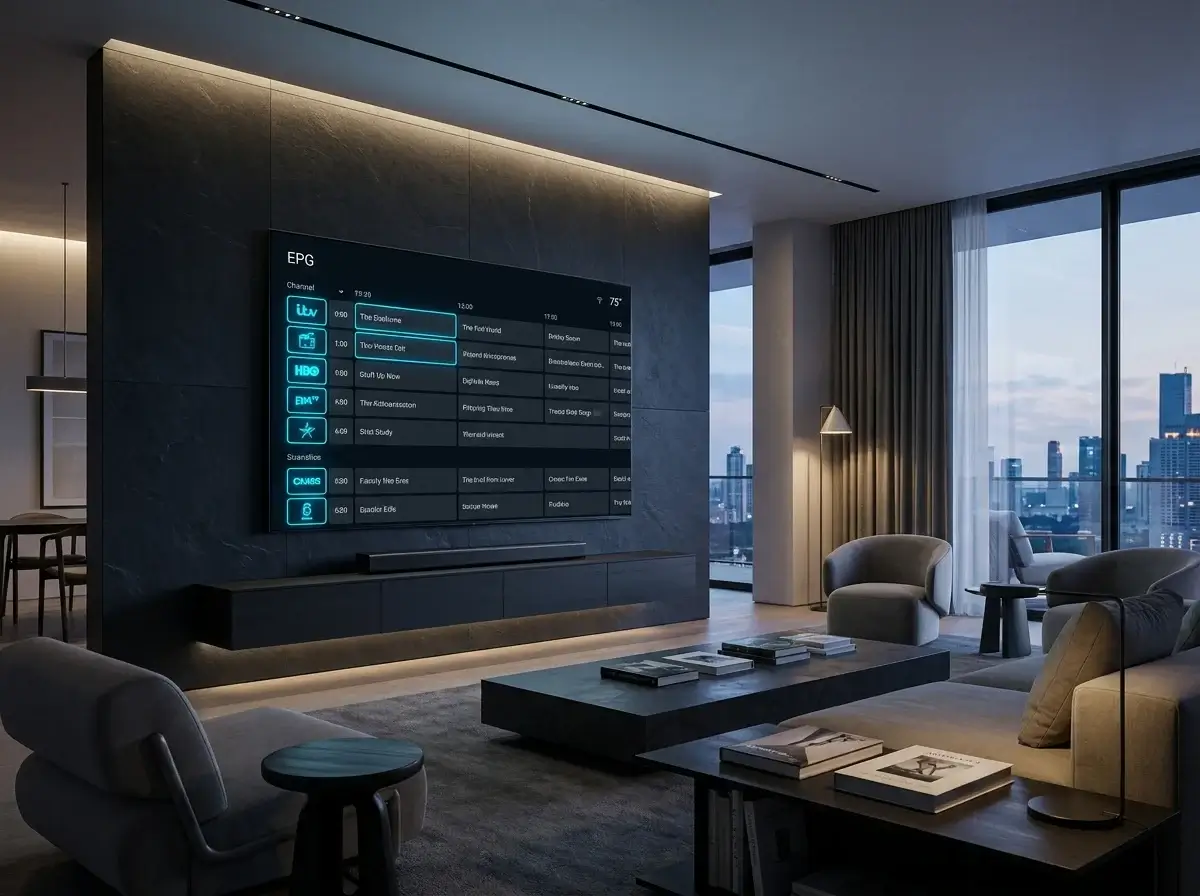
If you are planning to use third-party, unverified providers (often sought as cheap IPTV alternatives), the Firestick is vastly superior. The Amazon Firestick allows you to natively install elite media players like TiviMate. TiviMate provides a beautiful cable-like Electronic Program Guide (EPG) and lightning-fast channel switching. Roku cannot run TiviMate, severely limiting the user experience.
Is It Worth Using Roku for IPTV?
If you already own a Roku and only occasionally watch live sports via screen mirroring from your phone, it works adequately. However, if you want the best IPTV subscription experience—where you can use a standard remote control to browse a beautiful TV guide on your screen—you should seriously consider spending $40 to buy an Amazon Firestick 4K or an IPTV Android TV box instead.
Tired of complicated workarounds on your Roku?
Upgrade your viewing experience with our recommended, easy-to-use IPTV hardware at IPTV One 4K, or talk to us on WhatsApp at +44 7853 146902 for expert advice on the best devices for streaming.
Frequently Asked Questions
Can I get TiviMate on Roku?
No, TiviMate is an Android-only application. It cannot be installed on Roku OS.
Why did Roku remove IPTV Smarters?
Roku strictly enforces copyright guidelines and proactively removes any third-party media players that are frequently used to access unverified IPTV streams.
Conclusion
While setting up IPTV on Roku is possible via screen mirroring, the closed ecosystem makes it far from ideal for serious cord-cutters. For a seamless, native experience with a beautiful TV guide and remote control support, migrating to an Android-based streaming stick is highly recommended.